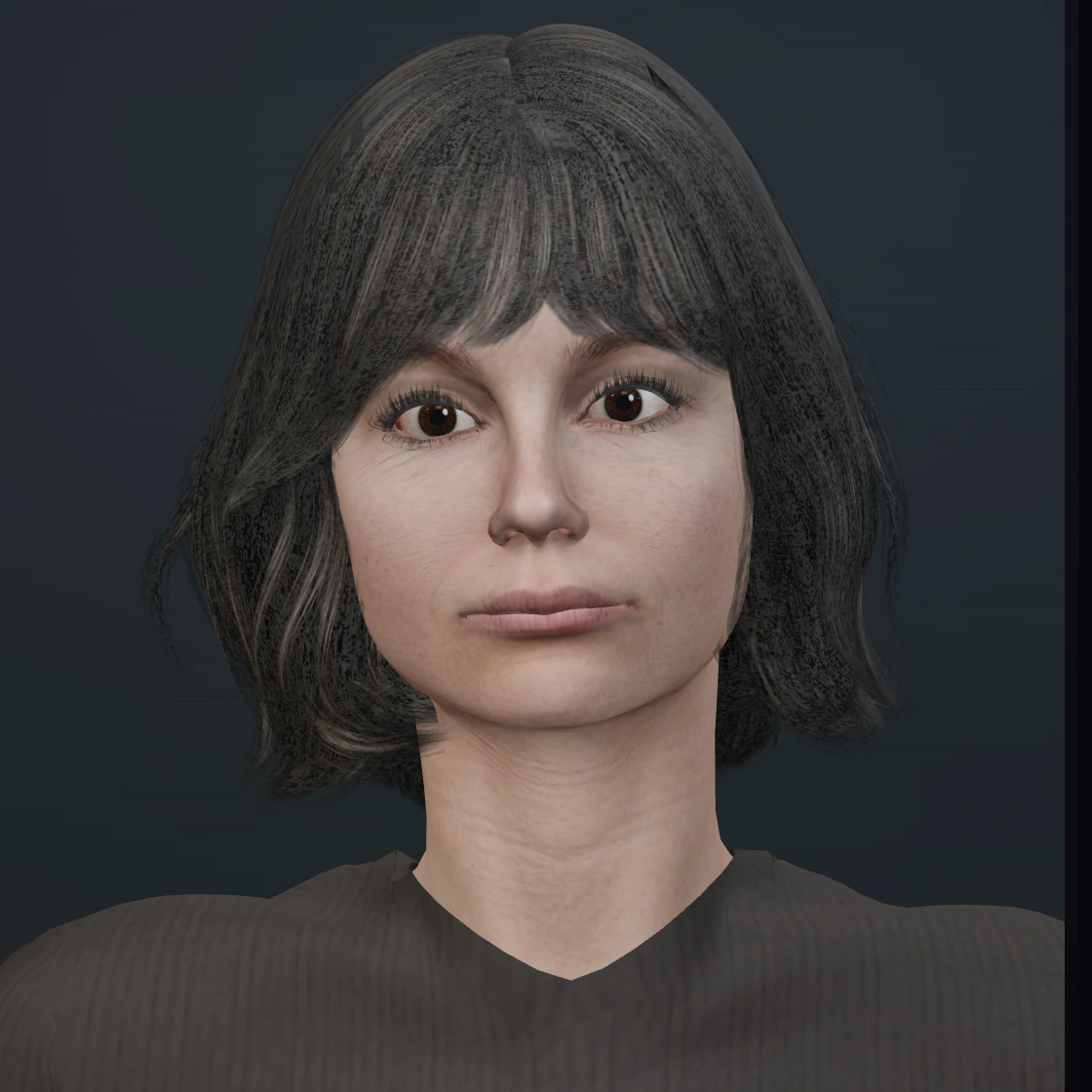
The thoughtful spark
Janice
A thoughtful conversational character. Try a question about your day, a new idea, or a topic you want to explore.
Talk to Janice →Live AI avatar demos
These are the 3D avatars running in the SoulLite demo. Talk by voice or type a message, hear a response, and try a follow-up. No signup is needed.
The thoughtful spark
A thoughtful conversational character. Try a question about your day, a new idea, or a topic you want to explore.
Talk to Janice →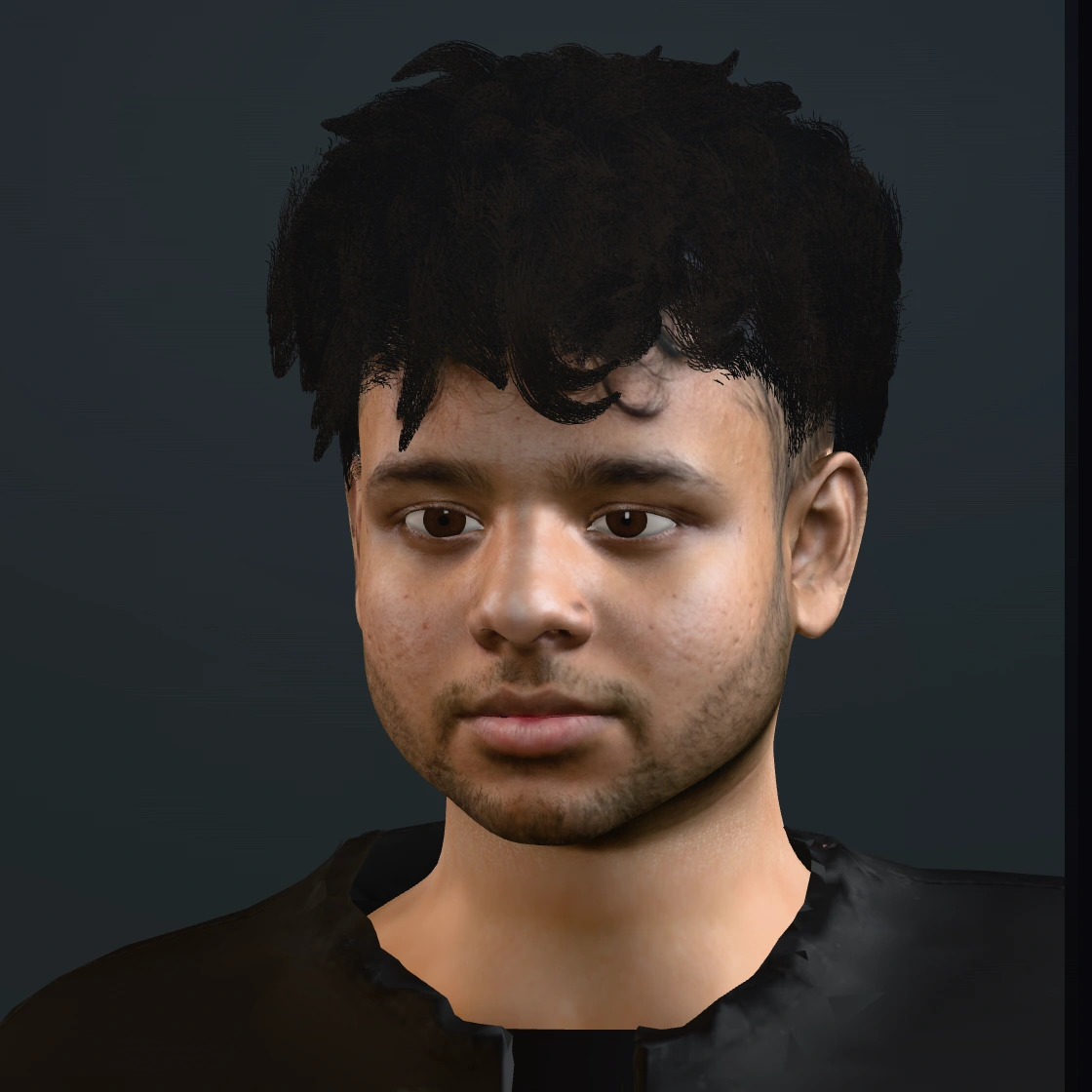
The builder at heart
The founder’s digital avatar. Ask about building SoulLite, the work behind an avatar, or how a website conversation feels.
Talk to Akshat →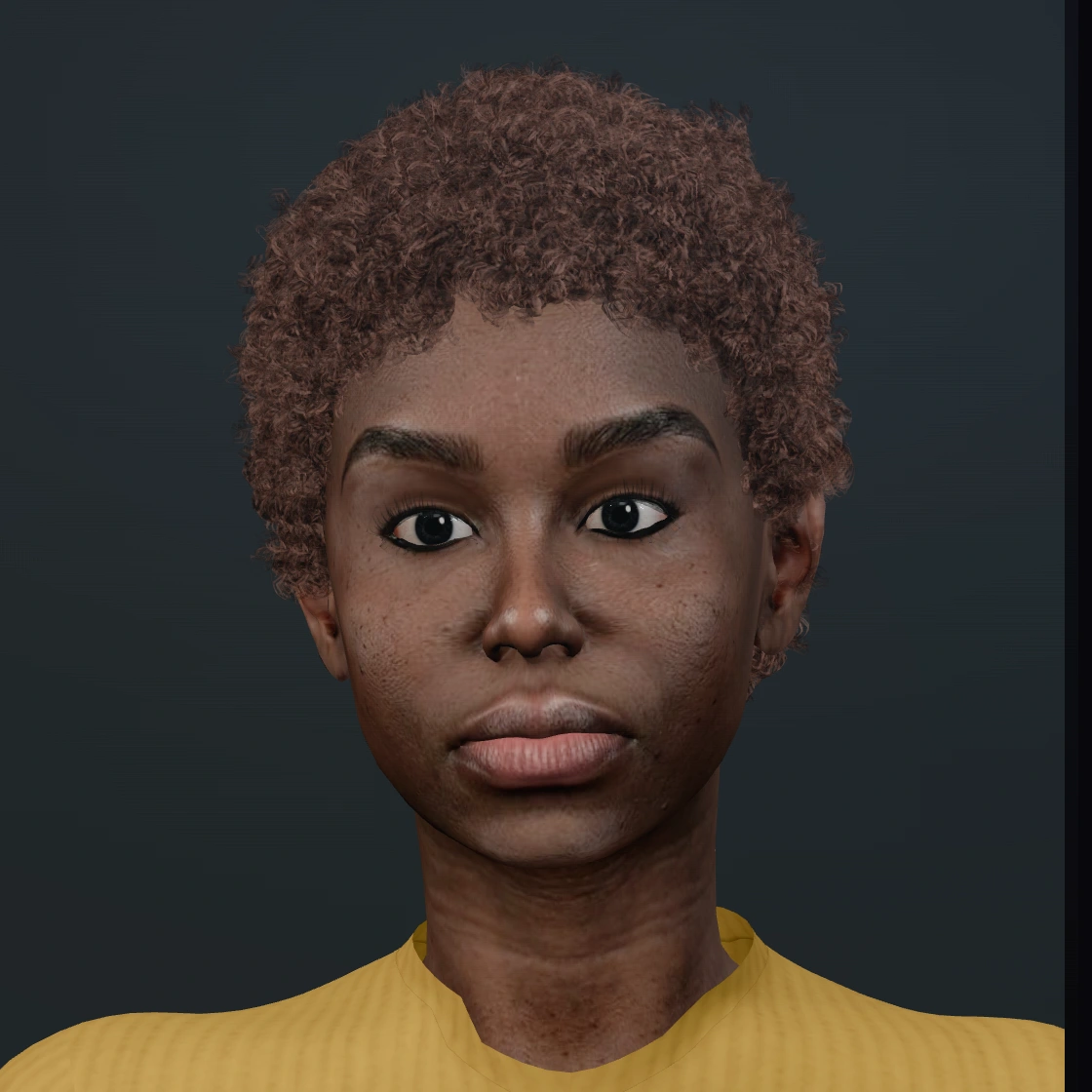
The creative soul
A creative conversational character. Explore a story, talk about music or art, or see how she responds to a follow-up.
Talk to Zuri →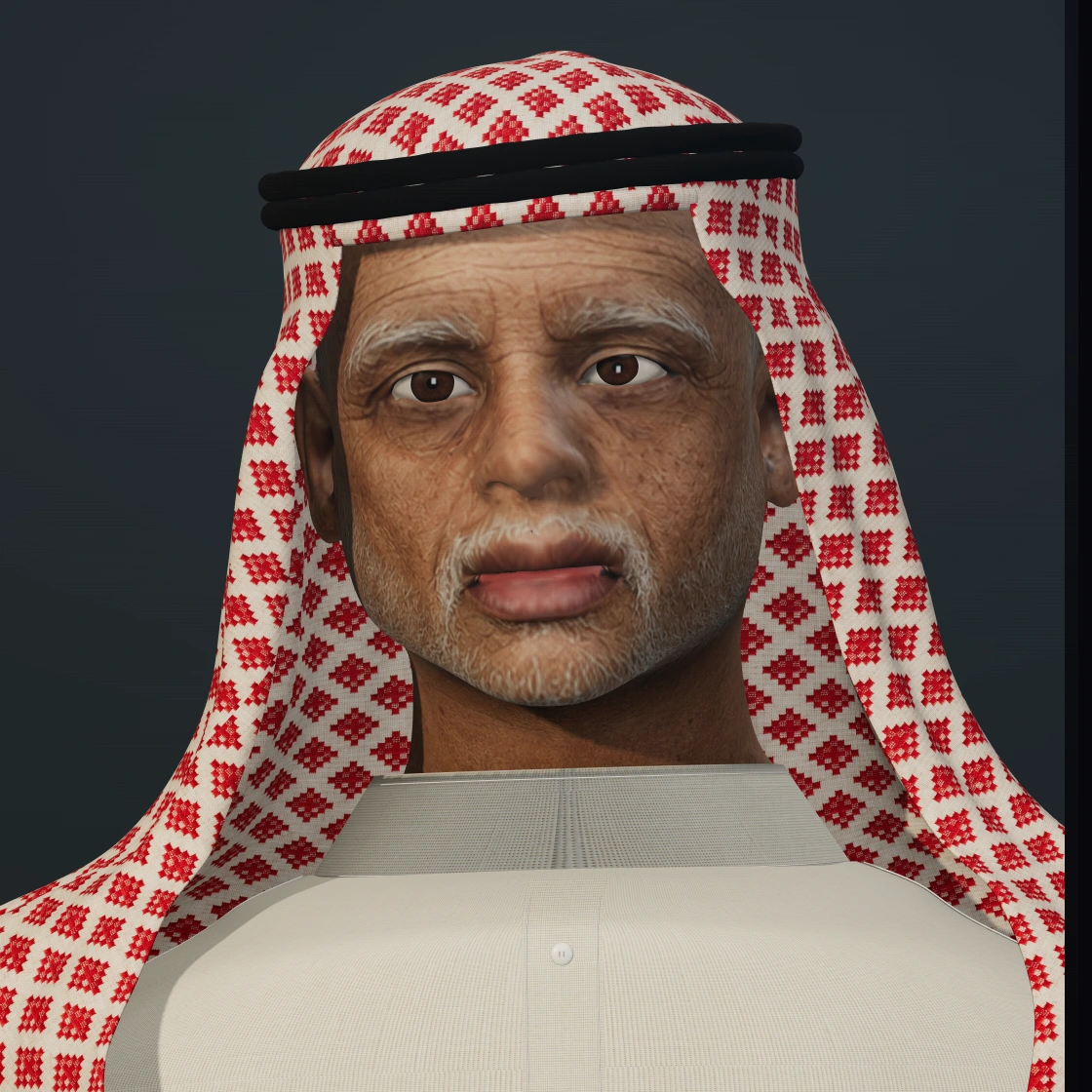
The thoughtful storyteller
A conversational storyteller. Start with a question or ask him to explore an idea with you.
Talk to Ziad →Janice, Zuri and Ziad are demo characters; Akshat is based on SoulLite’s founder. They demonstrate different visual and conversational styles, not real customer deployments or testimonials. For your own build, the studio prepares the chosen face, voice and conversation material around your website’s purpose.
You can use a library face and voice, or commission a custom AI clone of your own likeness and voice. The starting setup price includes the library option. Custom face and voice work are priced separately.
The avatar responds to the message you send. The model is rendered in the browser and its mouth moves with the generated speech. This differs from an avatar video that follows a fixed script: the live experience needs content boundaries, a voice service and ongoing running costs.
Start with the avatar versus chatbot comparison, explore business use cases, or review setup and monthly pricing.
No. The public demo is free to try. A custom build starts separately, after you contact the studio and agree the scope. You receive a private preview to approve before it goes live on your domain.
Discuss your avatar →